
A quick note turns into a long hunt.
The job details are split between a text, a paper estimate and a reminder to yourself.
Job & profit tracking for handyman businesses
Keep the estimate, job time, materials, mileage and invoice together—from the first fix to the final payment.
Free plan: $0 for one user and one client.
 The work, without the paperwork pile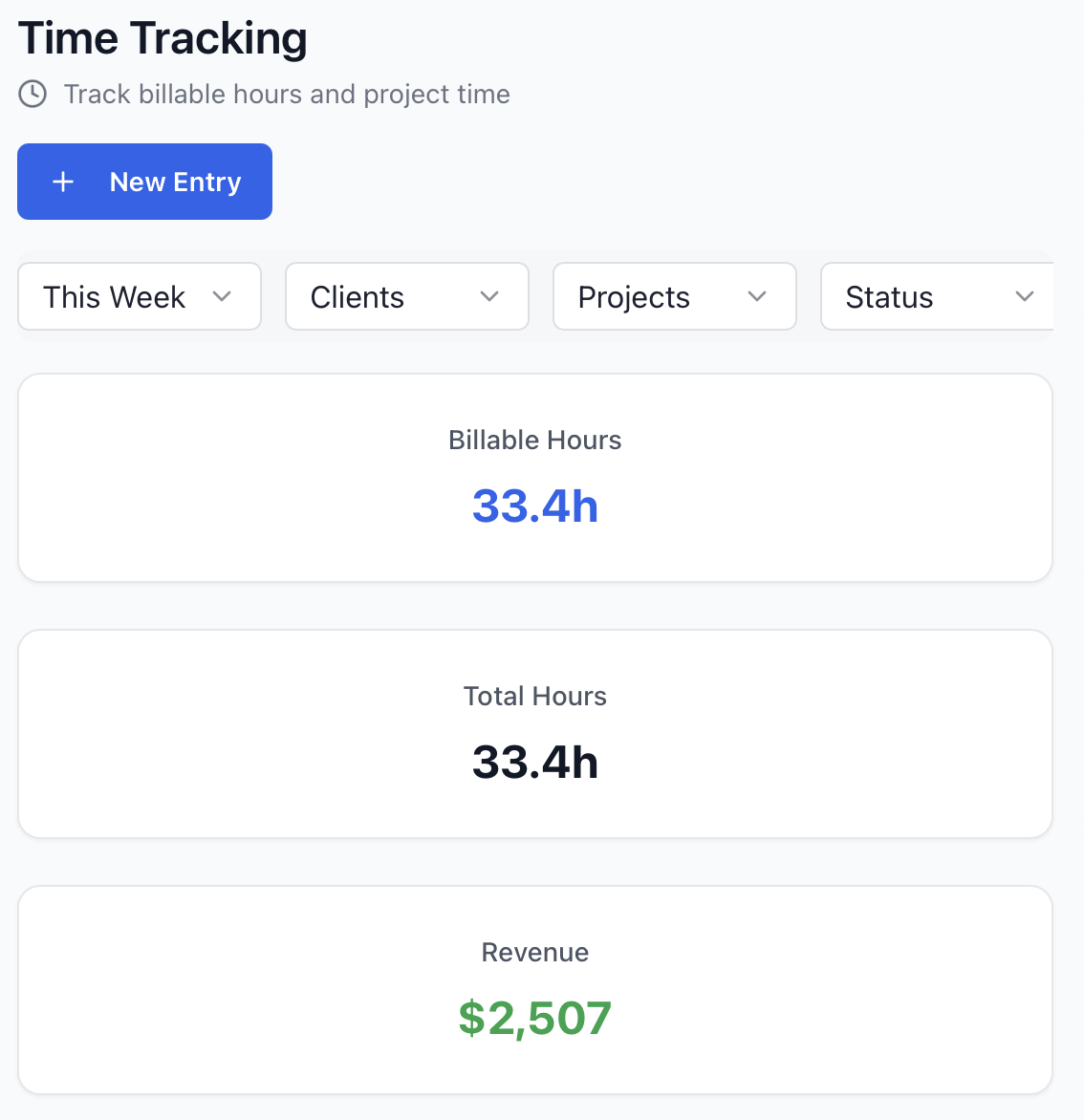
The familiar part
When one repair runs into the next, it’s easy for the details to end up in three different places.
The job details are split between a text, a paper estimate and a reminder to yourself.
Fasteners, fittings and extra trips can make a tidy quote feel less tidy at the end.
Rebuilding what you did before you bill shouldn't be another job.
One job, one connected record
JobClocked keeps the steps of the work together—without making the work more complicated.
Prepare an estimate for the repair and turn approved work into a job.
Add your time, materials expenses and mileage to the project as the work happens.
Create an invoice from the job and keep payment status alongside its costs.
A real look inside
Not a sample dashboard. This is a JobClocked screen showing time entries organized by project.
Made for the way you work
When the job and the numbers are together, you can move on to the next piece of work with a clearer picture.
Keep client, estimate, project details and billing connected.
Record time, expenses and mileage on your phone against the work.
Check recorded costs, invoice amounts and payments together. Team adds labor cost for true profit per job.
When you work with a crew
Team adds crew assignments and a shared record of time and costs by project. Set labor rates, calculate labor cost and review true profit per job—not just what came in.
Crew assignments are for the job record. JobClocked does not schedule shifts or dispatch crews.
Straight answers
A practical tool should be clear about what it does—and what it doesn’t.
Yes. Start with an estimate, record approval and turn approved work into a project.
You can record expenses and mileage against a project, along with time.
No. JobClocked focuses on job records, costs and billing rather than calendars or dispatch.
Keep the whole job in view
Start with a free account and see how estimates, job details and billing fit together.
Start for freeFree plan: $0 for one user and one client.
JobClocked gives handyman businesses a practical way to track each repair from estimate to invoice. Keep hours, expenses and mileage with the job and review billing and payment status without rebuilding the details later.